

 今茂貿易有限公司
Ionix Flow Beginner’s Quick Start Guide
Get Started with Ionix Flow in Just 5 Minutes
Your quick-start guide to using the Ionix Flow Portable Air Purifier
Welcome to the Ionix Flow community!
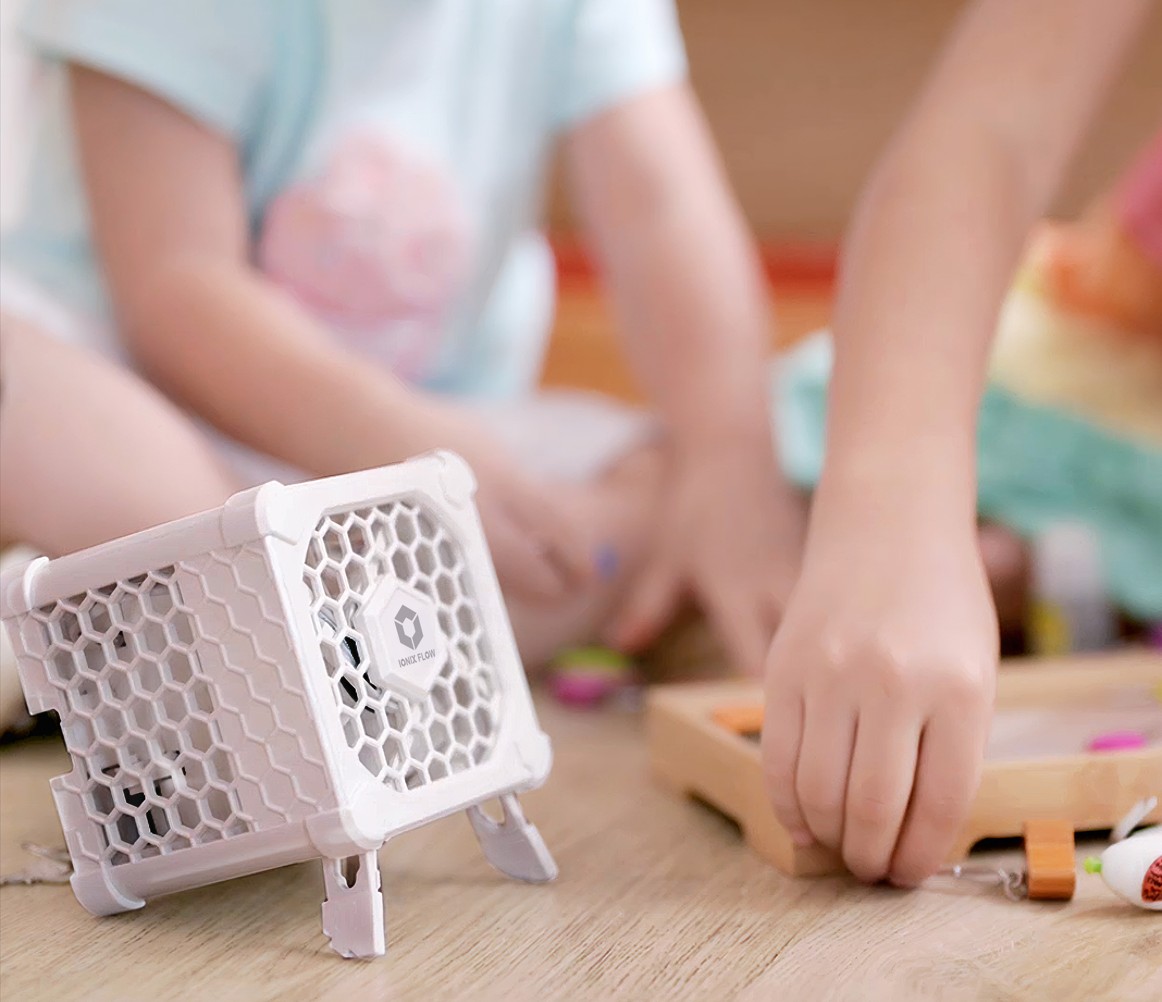
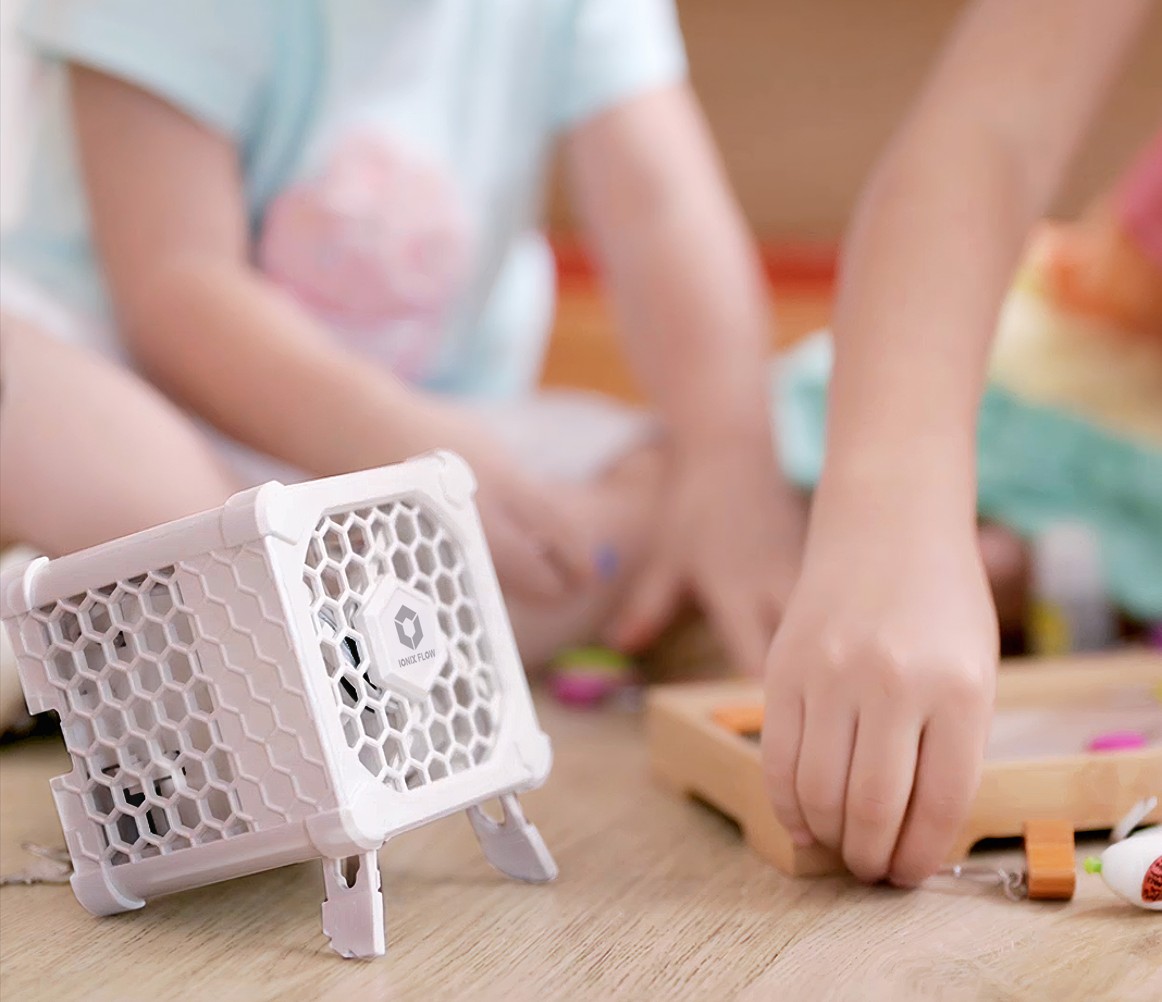
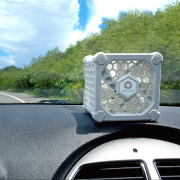
You’ve just got your hands on a sleek, high-performance portable air purifier that combines innovative design with powerful technology. If this is your first time using it, this guide will walk you through everything you need to know—so you can start enjoying cleaner air in just 5 minutes.
What’s in the Box
Inside the package, you should find:
-
Ionix Flow device x1
-
USB Type-C power cable x1
-
Cleaning brush x1
-
Quick Start Guide x1
Some bundles may include a USB power adapter, depending on your purchase.
Basic Setup Steps
Step 1: Connect the Power
Use the included USB-C cable and plug it into a USB outlet or power bank.
We recommend a 5V/2A output. Do not use fast-charging or high-voltage power supplies.
Step 2: Choose a Good Spot
Place the device on a desk, bedside table, or wherever you spend the most time.
Avoid aiming directly at walls—this can reduce ion effectiveness by canceling out opposite charges.
Step 3: Select Fan Speed
Press the power button to cycle through six fan speed modes, from quiet to maximum.
Press once more to power off.
Maintenance Tips
-
Wipe the exterior with a damp cloth every 1–2 months, or gently vacuum it.
-
Use the included brush to clean the ion module’s carbon tips.
-
If you notice dust buildup at the fan vents, you can open the outer shell for deep cleaning.
👉 Watch the step-by-step cleaning video here:
https://www.youtube.com/watch?v=a9BzkIWBvrA
Important Notes
-
No filters needed: low maintenance, no consumables.
-
Automatically resumes your previous fan speed setting after a power outage.
Now go ahead—power on your Ionix Flow, and enjoy fresh, clean air without limits.
 Jimmao International Corp.
 Jimmao International Corp.
 Jimmao International Corp.
 Jimmao International Corp.